User Guide: Interactions
WAFRN is a social media site. The software allows you to connect with federated social sites as well as Bluesky/ATProtocol platforms. This is all with an eye towards radical interoperability and communication, while keeping you in control of your own online presence. This guide will cover the various ways you can interact with others on WAFRN.
This guide may be best paired with the Bluesky guide.
This guide was last updated on April 7th, 2026, corresponding with desktop web build v2026.03.04-DEV.
Following
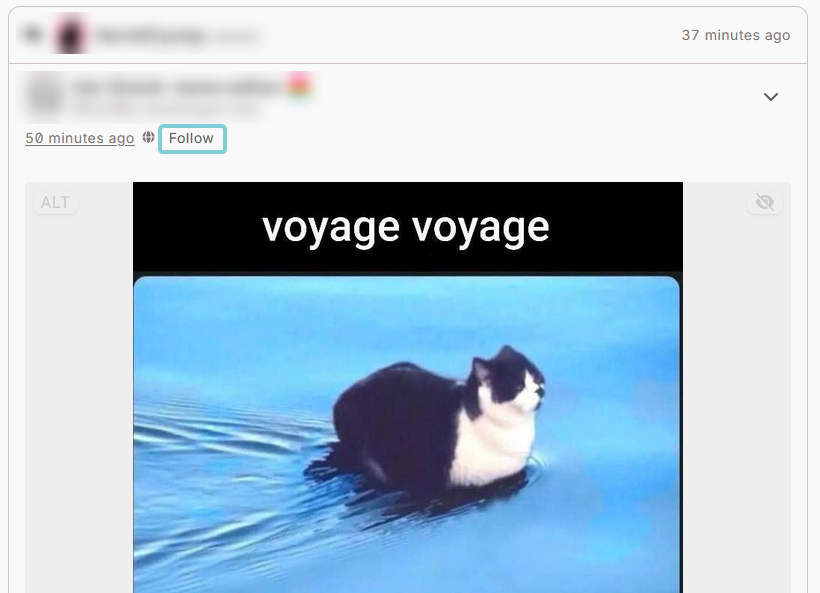
Pressing the "follow" button next to someone's name/handle on their woot will send a "follow request" to that person. If they automatically approve all follow requests, you will then follow that user. Hurray! WAFRN may still show you "Awaiting approval" because the platform needs to check if the user automatically or manually approves follow requests. If you refresh or check back later, it should change to show that you are following that person.
If the person you want to follow manually approves all follow requests, you will see "Awaiting approval" on their page. If it is approved, you will later see that you are following that person.
Some people use manual approval to filter out spam and low-effort accounts. Some use it to curate their online experience in certain ways. Sometimes a user's bio can tell you more about why they manually approval follow requests, but sometimes it's just because they don't want to deal with bots.
Likes
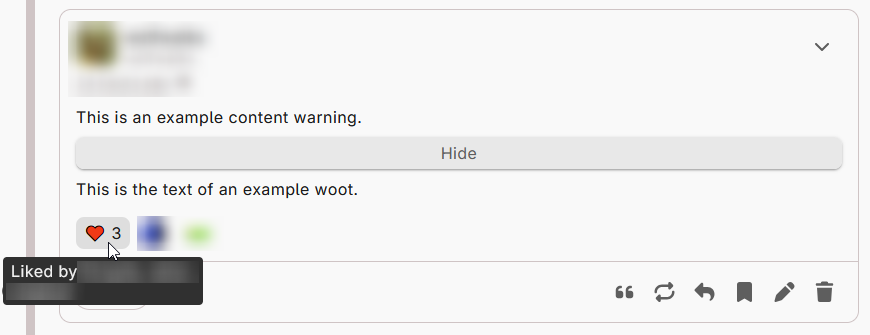
Pressing the heart button will "like" a woot. "Liking" woots gives a notification to the person who made the woot. It also increments the "like count" on the woot. The list of people who like a woot will be visible to anyone who can view the woot. You can only "like" a woot once. It's associated with a Unicode heart emoji: ♥️
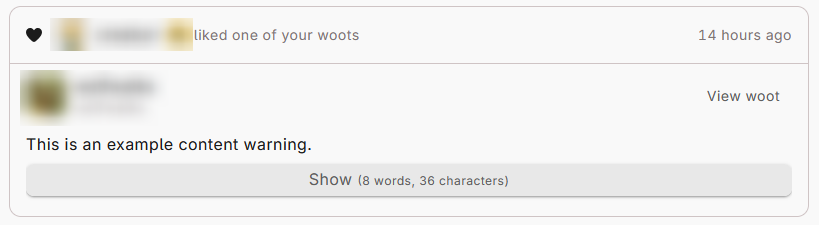
This function can mean different things dependent on context. If someone makes something you like, you might "like" it. But you also might use the "like" button when someone replies to you, and you see and acknowledge their reply, but you don't have anything to add. You might use the "like" button to show someone that you're interested in an idea they're talking about. Some of these contexts don't involve your positive opinion of the woot - it's just a quick, easy response.
Likes are supported across all ATproto/Bluesky platforms and a vast majority of, if not all of, the known federated platforms.
Reacts
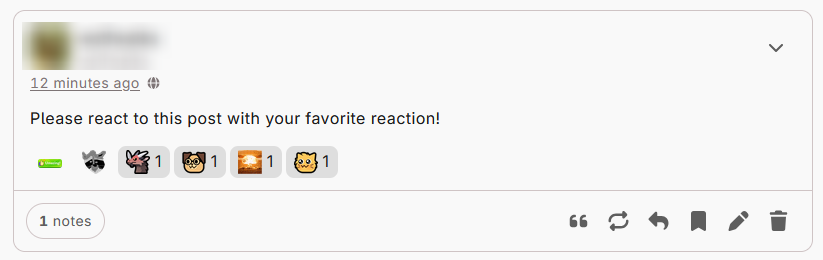
WAFRN supports "reactions," which include all supported Unicode emojis, as well as additional, custom emojis that vary by server. Reacting to a woot gives a notification to the person who made the woot. It also increments the counter for that specific kind of reaction on the woot. The list of people who react to a woot will be visible to anyone who can view the woot.
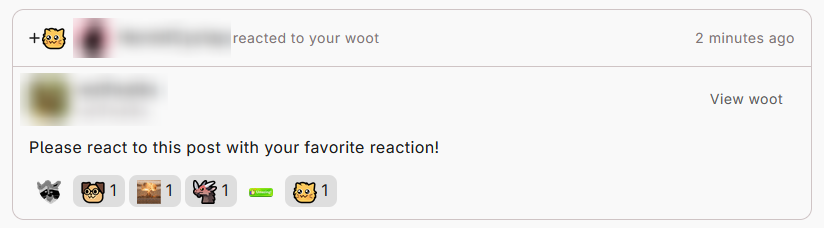
You can react to a woot multiple times with different emojis, but you can only add one of each reaction. Some of these reactions are silly or nonsensical, like :cat_smoke: - a GIF of a kitten rapidly smoking an enormous blunt, then exploding. Some of them are functional, like a thumbs up, a thumbs down, a shocked face, or a "hug" emoji.
Reactions are useful for circumstances where a "like" may be inappropriate, or where you want to do more than just "like" a woot. They're also fun and whimsical. Similarly to "likes", a reaction might be used to acknowledge someone else's woot or reply, to express interest in an idea, to express sympathy or support, or to make jokes. The meaning typically depends on which emojis are chosen.
Reactions are supported by WAFRN servers and by some other federated platforms, like Sharkey, but they are not supported by all Fedi platforms, and they are not supported by ATproto/Bluesky.
Replies
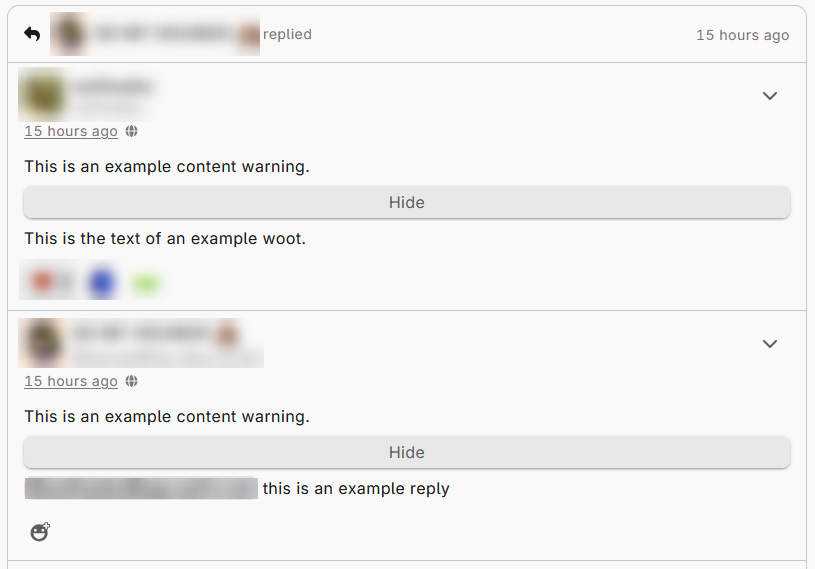
Pressing the arrow key will open the editor to reply to a woot. Replies give a notification to the person who made the original woot, and adds the text of your reply below the original woot, in the "notes" section. It also increments the "notes" count on the woot. The list of people who have replied to a woot will be visible to anyone who can view the woot. You can reply to a woot as many times as you want.
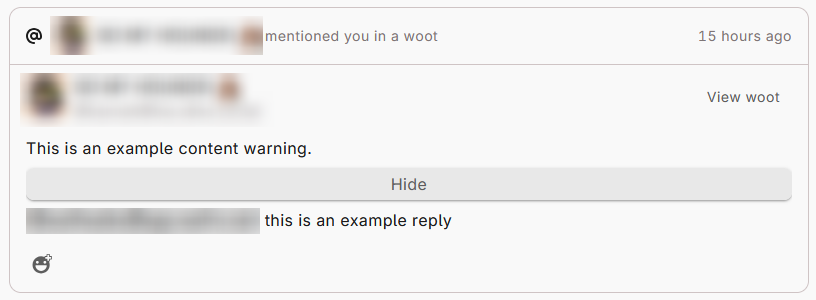
Replies are great for holding conversations with other people. You can use replies to ask questions, add information, express gratitude, and so much more! However, please be mindful that not everyone is interested in a reply. On both federated and ATproto platforms, it is considered impolite to reply with off-topic, rude, or intentionally-inflammatory comments. It's also considered impolite to offer advice unless it has been specifically requested. In some cases, it may be better to quote a woot rather than replying to it. Consider your options, and use the one that makes the most sense for you.
Replies are considered their own "post" for the purposes of likes and rewoots, but are still linked to the original woot. Whenever the server can retrieve the original woot and the replies, it will try to show all of them together. WAFRN displays replies in sequential order. On Fedi/ATproto platforms, by default, some people will see only your reply without context, and they will have to click through to see what you're replying to. Also, sometimes the post privacy interferes with the reply-chain linking. This means that if a woot is set to a privacy level that prevents you from seeing it - such as "followers-only", made by a person you don't follow - you may only see the reply from the person you do follow.
To learn more about reply drafting options, including formatting and media uploads, please refer to our guide on making Posts.
Rewoots
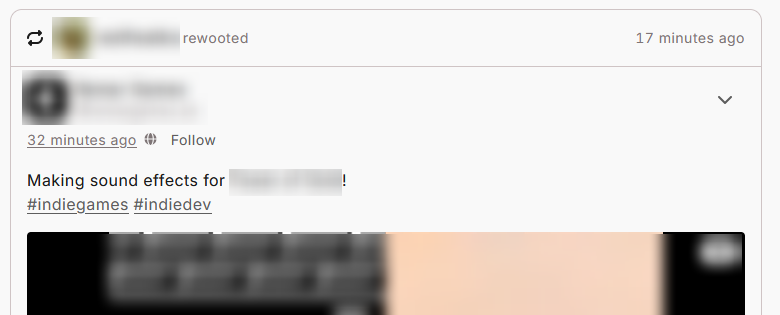
"Rewooting" shows a woot to the people who follow you. This enhances the reach of the woot, spreading it to a new audience who may not otherwise see it. Rewooting gives a notification to the person who made the woot. It also increments the "notes" or rewoots on the woot. The list of people who have rewooted a woot will be visible to anyone who can view the woot. You can only rewoot a woot once.
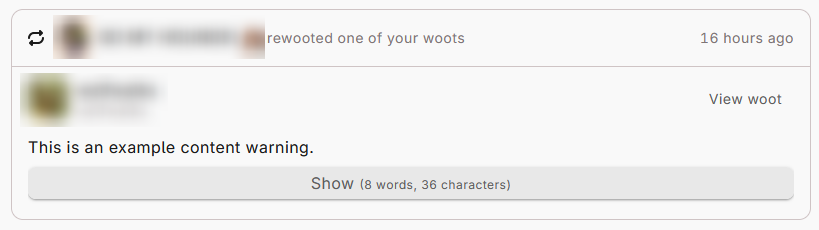
You can rewoot your own woots, or you can rewoot someone else's woots. Rewooting can show people a funny joke, a news article, or an interesting statistic. Rewooting could be used for promotion, showing people a cool thing you like, or sharing something that was meaningful to you. Rewoots are highly valued by many creators, especially professional creators, because it expands the potential audience of their work, which may lead them to find more business later. If you like someone's work, rewoot it!
On WAFRN, if multiple people rewoot the same woot, you will only see the most recent rewoot. WAFRN tracks which woots you have seen in a single "scrolling session," and avoids showing you the same woot over and over. If something new is added to it through a reply or quote, you may see it again, but the system is designed to show you unique woots, once.

Quotes
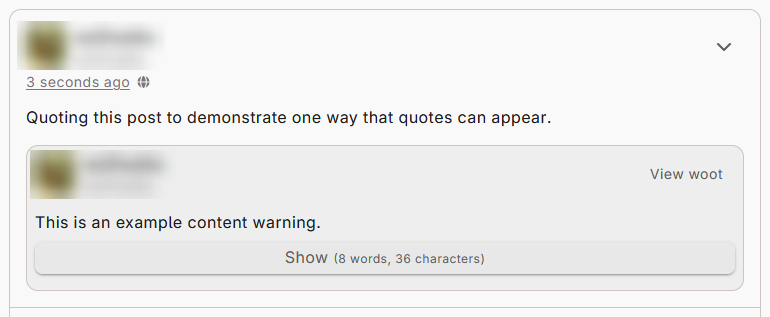
Quoting is a way of adding commentary to a woot. It embeds an existing woot into a new woot. When a woot is quoted, it sends a notification to the person who made the original woot. On WAFRN, your quotes don't show under the original woot - they appear to the people who follow you. Any posts on ATproto will display a list of quotes, separate from other post interactions. You can quote a woot as many times as you want.
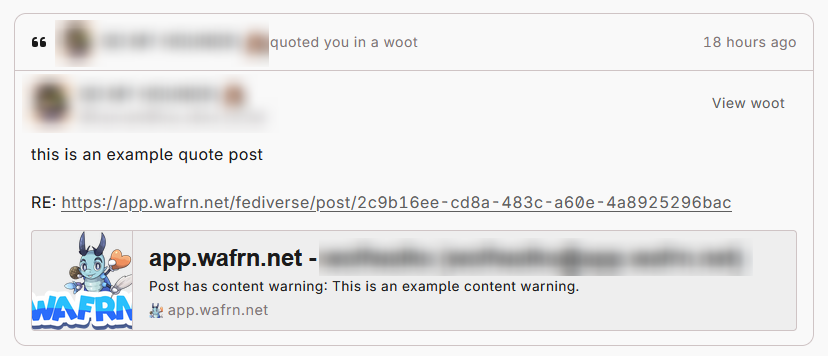
Quoting may be used to highlight a woot - to draw attention to it, to voice strong agreement, or to make the woot more visible to others, like rewooting. Quoting can also be used to add to a woot, to enhance it or correct it. Finally, quoting can also be used to "shout down" a woot, to call it out for being false, misleading, or harmful. The person who quotes the woot is considered the "original poster" for the purposes of likes, reactions, and other interactions with the quote. Those notifications do not go to the person who made the embedded woot.
On WAFRN, if you want to show an ATproto post to people on Fedi, or vice-versa, you may find it useful to quote the post. Some users on both protocols are "bridged" by way of Bridgy Fed. Bridged users can see and interact with ATProto and Fedi posts, but not everyone uses Bridgy. Without Bridgy, ATproto rewoots always stay on ATproto, and Fedi rewoots always stay on Fedi. Only WAFRN posts to both. Any platform that doesn't support the quote will instead show the link to the post.
Biting (Woots)
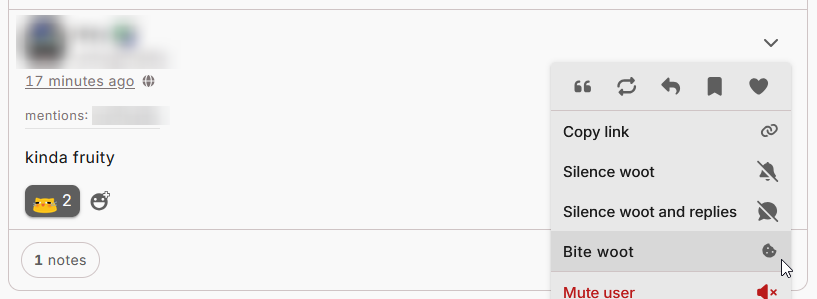
Pressing the "bite" button will "bite" a woot. "Biting" woots gives a notification to the person who made the woot. No one else can see who bit the woot, or how many times the woot has been bitten. You can bite a woot as many times as you want. Note: Some interfaces use a different icon for bite.
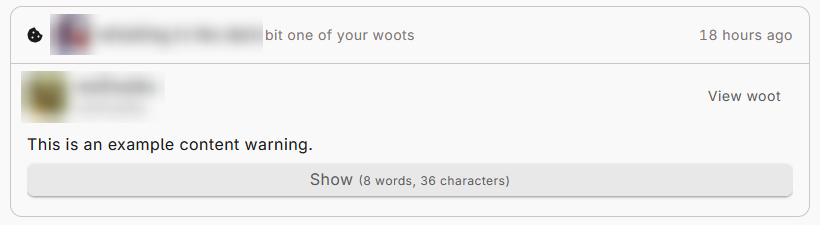
Biting is an interaction that does not generate any kind of statistics for a woot. It's solely a way to communicate with the person who made the woot, because they will be the only ones receiving a notification. Biting can be used to ping a user - to get their attention, or just to annoy them. If you've ever seen something and gotten cute aggression, i.e. "this is so cute I could eat it," biting can express this emotion. Biting can also express rage or fury, but usually in a joking way. Biting is a light-hearted function, and is typically inappropriate to use on serious woots.
Biting is not exclusive to WAFRN. Other federated platforms, like Iceshrimp, have bites. If you bite a woot made by someone on a compatible platform, they will see the bite notification. There are also some Bluesky clients which show WAFRN bite notifications. However, most Fedi users, and most ATproto users, will not see bites.
Biting (Users)
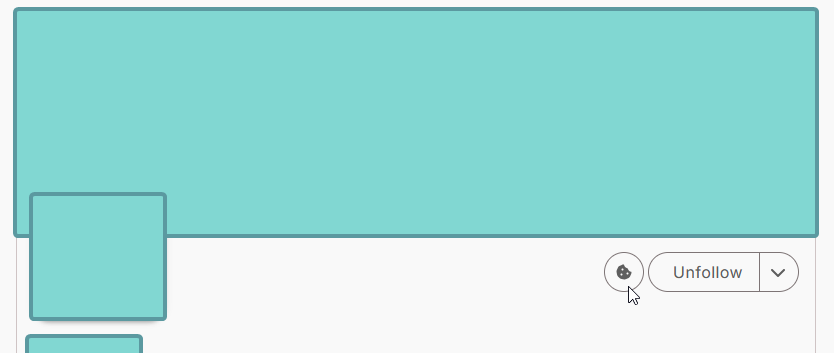
Sometimes biting a woot is not enough, or you do not have a woot to bite. In this case, you can "bite" a user. No one else can see who bit the user, or how many times the user has been bitten. You can bite a user as many times as you want.

Like biting woots, biting users does not generate any kind of externally-visible statistic. It is similarly considered a funny thing to do, and would be inappropriate in serious contexts.
Biting users follows the same rules as biting woots. If the bitten user is on a platform that supports biting, they will see the notification. Otherwise, they will not.
Bookmarking

Bookmarking a woot saves it for your future reference. Bookmarking a woot does not notify anyone. No one else can see who has bookmarked a woot, or how many times it has been bookmarked. You can only bookmark a woot once.
This function is included in this guide because it's part of the normal interaction bar on WAFRN, but it is not necessarily a "social function" because it does not provide feedback to anyone when you do it.
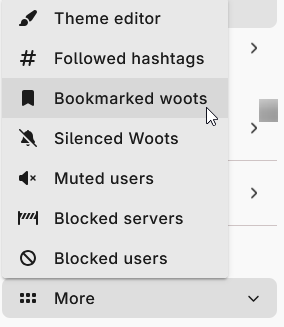
Woots you have bookmarked can be found under "More" > "Bookmarked woots" in your sidebar. They will appear in reverse-chronological order based on when you bookmarked them. They will also be simplified - if you bookmarked a post that someone rewooted, you won't see who rewooted it. You will only see the original post, in isolation. If you bookmark a reply, WAFRN will show you the reply and its context whenever possible, which is standard for WAFRN.
Please be aware that some Fedi platforms have a "post self-destruct" feature, which will delete posts after a certain period of time. If you bookmark a post from a user with self-destruct, your bookmark will disappear when the post disappears.
Post Visibility and Interactions
All of the interaction types listed here are available on Public and Unlisted woots.
On "This instance only" woots, you can rewoot, reply, bookmark, like, and bite woots. (This privacy setting removes quoting.)
On "Followers only" and "Direct message" woots, you can reply, bookmark, like, and bite woots. (These privacy settings remove quoting and rewooting.)